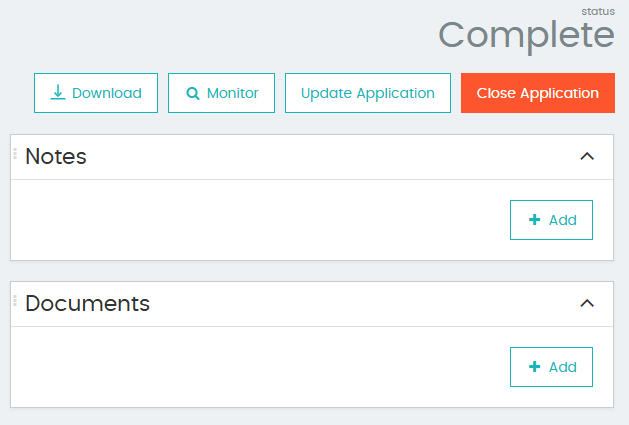
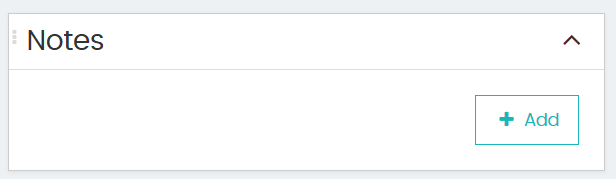
To add notes, you must be in Review mode. You can either Pick Up or Review an application to be able to do this.
This will allow you to edit the application. You can then type notes as free text.
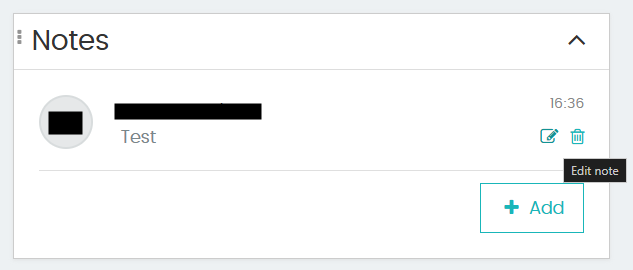
After the note has been uploaded, you can hover over the note and it will allow you to edit or delete the note from within the referral.
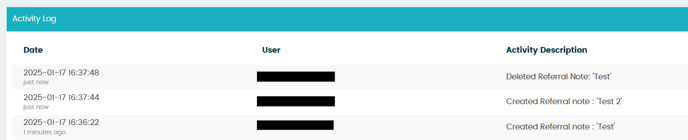
The activity of the user can be seen at the bottom of the page under Activity Log:
Please note that referral documents and notes are designed to stay within the referral and will not be able to be viewed from the application through the Audit trail. This is to allow investigation notes and documents to be kept separately from general application notes and documents. Should you wish for the information to be available in the audit trail application, follow the same steps from the Audit Trail. The application cannot be in referred status for this functionality and the referral must first be decisioned.